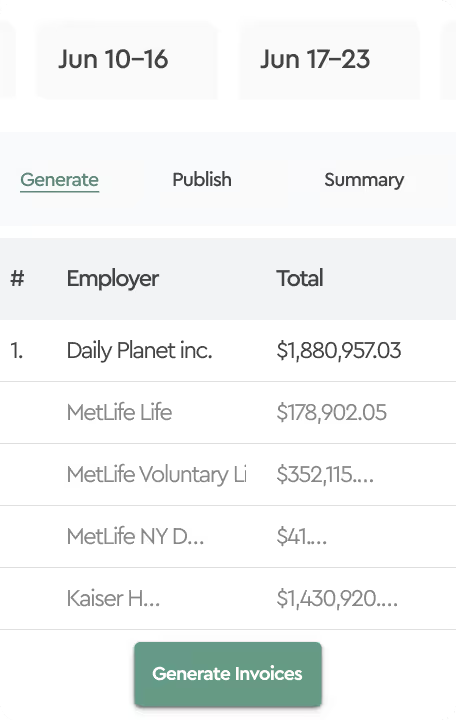
We’re happy to introduce a highly requested feature that makes accessing your carrier invoices faster and more secure. This update allows you to store and access all your carrier portal login details from one secure location.
Setup your carrier credentials
- Access the Admin Section
- Select Carrier Credentials in the left navigation menu.
- Click the + Add Credential button.
- Give it a Unique Name: Create a name that helps you easily identify the carrier.
- Set Visibility: If multiple users need access to these credentials, select Company-Wide visibility.
- Select Invoices: Use the drop-down to select the invoices that these credentials apply to.
- Enter URL and Login Info: Type in the URL of the carrier’s login page along with your username and password.
- Create the Secret: Click Create to finalize.
Once completed, your credentials are securely stored using Delinea’s encrypted vault, ready for seamless access.
How to Use the New Feature
- Navigate to the Sources panel and select Carrier Invoices.
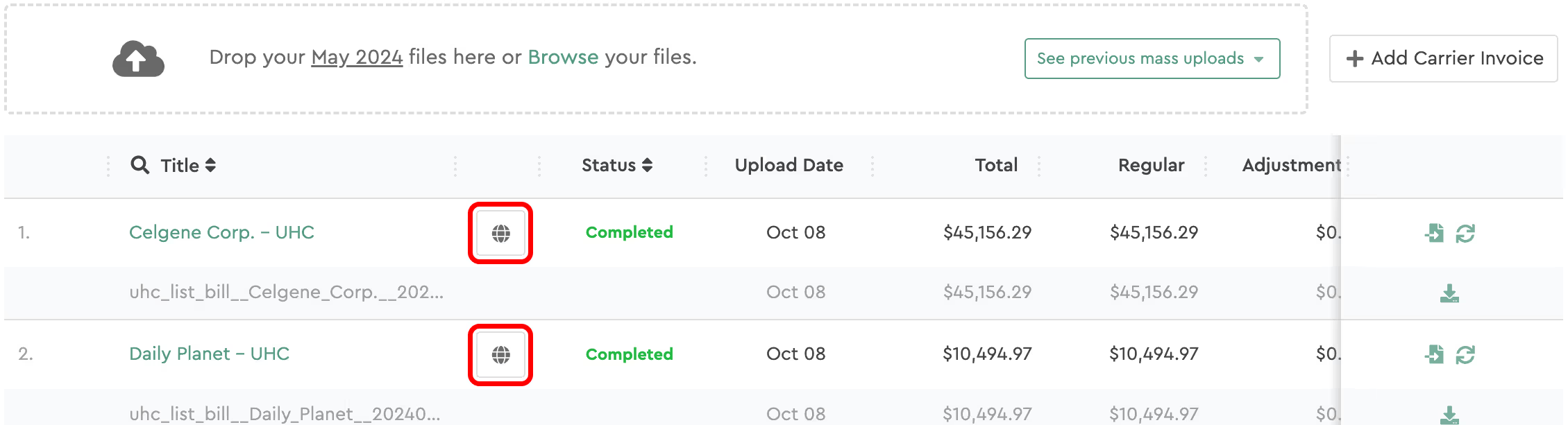
- Look for the globe icon next to the invoices linked to your credentials.
- Choose Your Access Method
Option 1: Use the Chrome Extension
- Click the globe icon next to the invoice.
- You’ll be redirected to the Chrome Web Store.
- Click Add to Chrome to install the extension.
- Refresh the Tabulera Portal to activate the extension.
- From now on, clicking the globe icon will automatically open the carrier’s login page with credentials pre-filled.
Option 2: Manual Copy/Paste
- Click the globe icon next to the invoice.
- A pop-up will display the link to the carrier’s login page and your stored login credentials.
- Copy and paste the credentials manually to log in.
With this new feature, you’ll save time, reduce login friction, and ensure your credentials are always secure. Whether you prefer the speed of an automatic Chrome extension or the simplicity of copy-paste, this update gives you the flexibility to access carrier invoices faster and more efficiently than ever before.