
Table of Contents

New Invoice Lock Feature

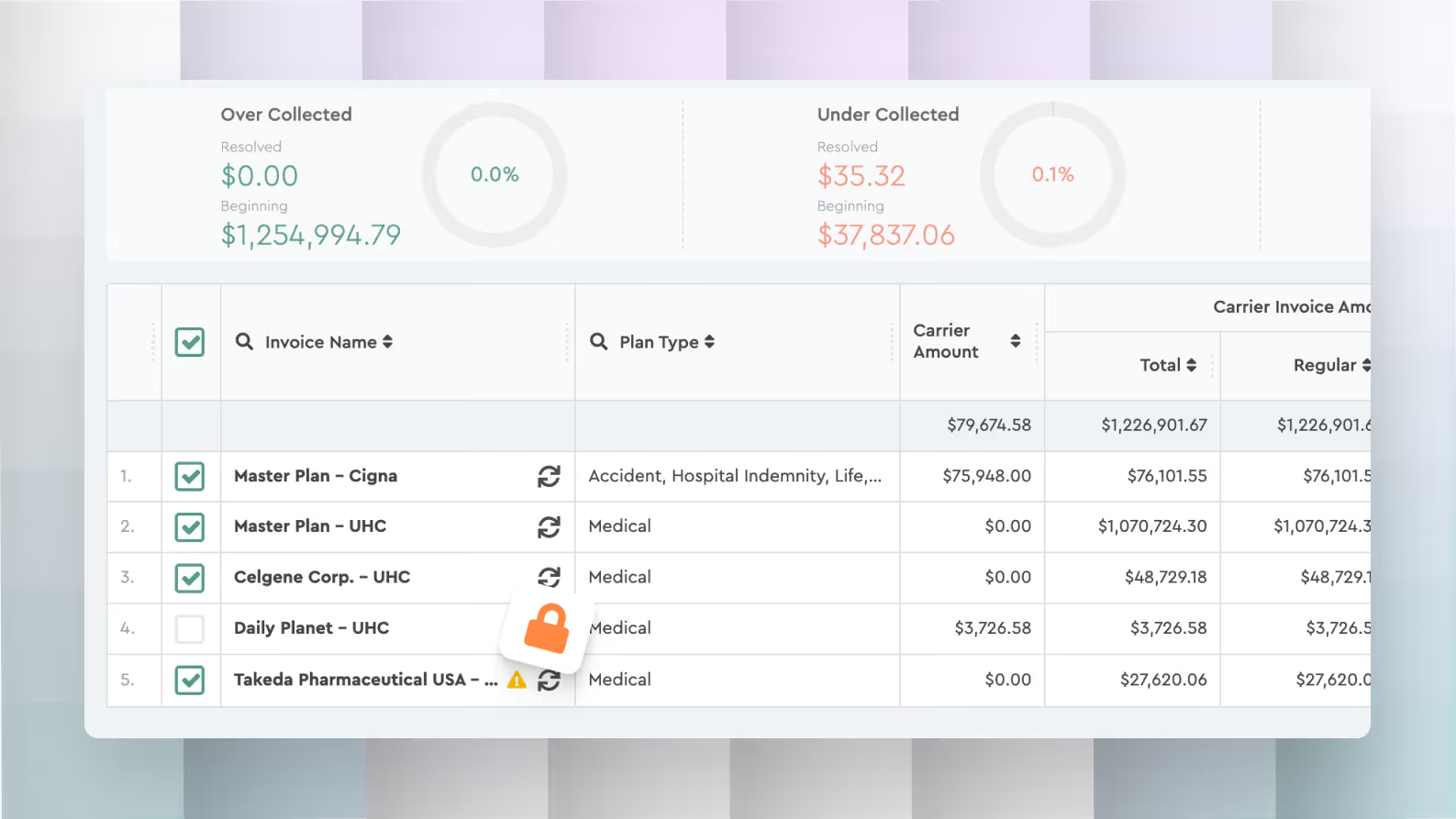
What Locking Does

When a reconciliation period is locked:

  • The invoice becomes read-only
  • Users cannot regenerate reconciliation data
  • Mass updates and adjustments are disabled
  • Reconciliation results are preserved exactly as finalized

This prevents accidental changes after reconciliation has been completed.

When to Use It

Lock the reconciliation period after all discrepancies have been reviewed and resolved.
This confirms the reconciliation results are final.

How to Lock a Reconciliation Period

  1. Open the invoice in Benefits Reconciliation
  2. Complete the reconciliation process
  3. Click the lock icon next to the invoice
  4. Confirm the action

Once locked, the invoice will display the lock indicator, showing the reconciliation period is closed for editing.

Andrey Brych is Head of Marketing at Tabulera, with over eight years of experience in benefits premium administration. He leads go-to-market strategy for HR and benefits technology across PEO, broker, and enterprise markets, working to bring clarity and structure to complex benefits operations. Based in Vienna, Austria.

Featured Modules

No data was found

Case Studies

Reconciling 3× more clients with the same team
US Top Senior Living Chain Cuts Benefits Premium Admin Time

Related articles

February 4, 2026

February 2026 Platform Update

February platform update with improvements to benefits reconciliation, pre-pay invoice matching, variance tracking, notes visibility, and consolidated
October 13, 2025

Faster Monthly File Uploads for Large Invoice Batches

With the new drag-and-drop upload, you can now simply drop all your monthly invoice files into the platform at once.
May 28, 2025

Regenerate Invoices Without Leaving the Page

Quickly regenerate invoices right from the invoice view—no extra clicks, no backtracking.